| MAC Agent |
|
| Instructions |
- Click
app_mac to download the Mac Application
to your ~/Downloads folder
- Create a directory
~/Documents/KnowledgeAssistant
- Copy app_mac into directory
- Open Terminal (press Cmd+Space
type "Terminal" and press
"Return")
- Go to folder
~/Docments/KnowledgeAssistant
(cd ~/Documents/KnowledgeAssistant)
- Make file runnable by typing: chmod +x app_mac
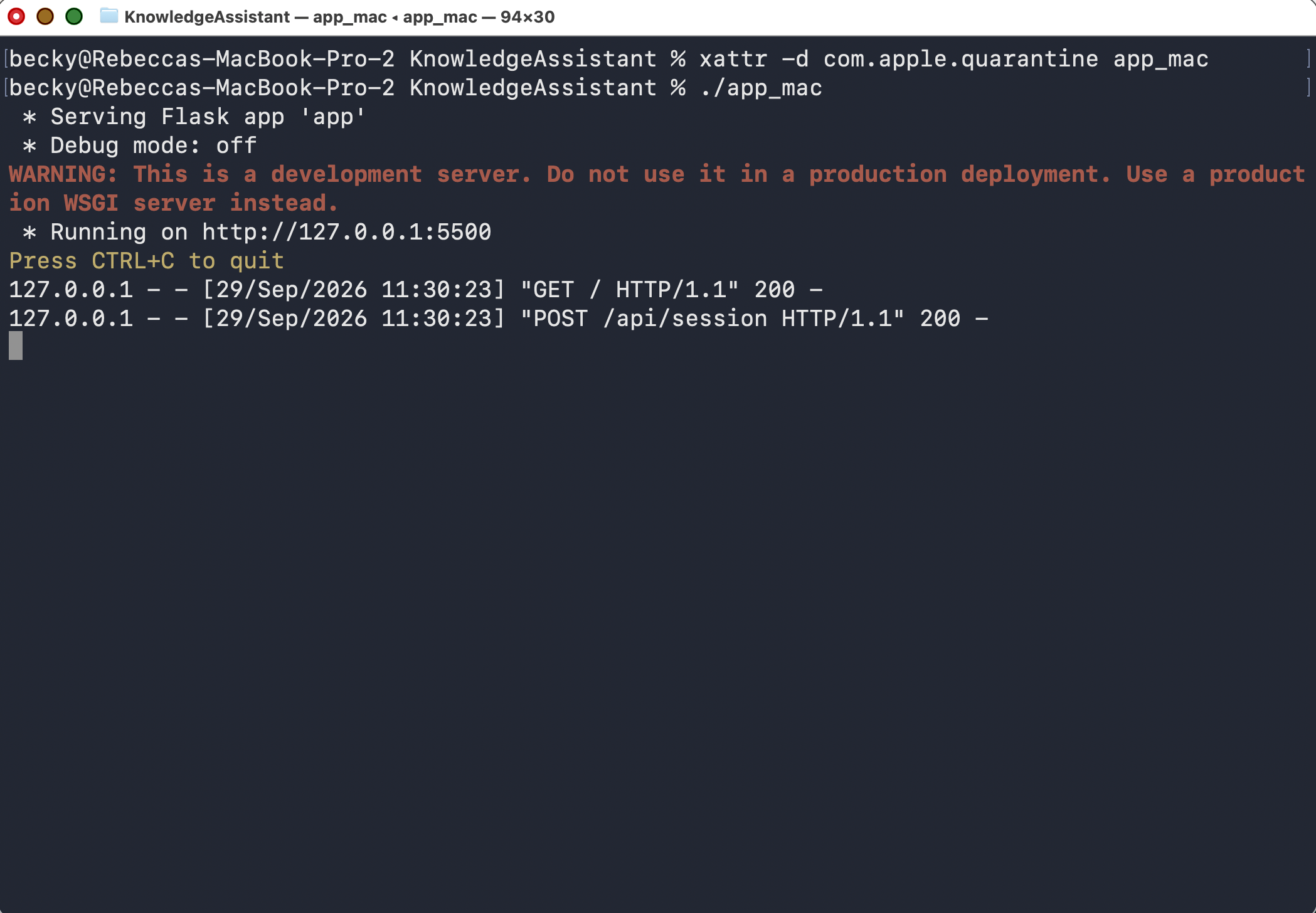
- Remove download block by typing in terminal: xattr -d
com.apple.quarantine
app_mac
- If the command says "no such xattr", that's OK it means the block
wasn't there
- Start the app by typing in terminal: ./app_mac
|
| Windows Agent |
|
| Instructions |
- Click
app_windows
to download the Windows Application
to your
~\Downloads directory
- Create a new Directory named KnowledgeAssistant
under your
~\Documents directory
- Copy app_windows.exe into
~\Documents\KnowledgeAssistant above
- Double click the file app_windows.exe
in
~\Documents\KnowledgeAssistant
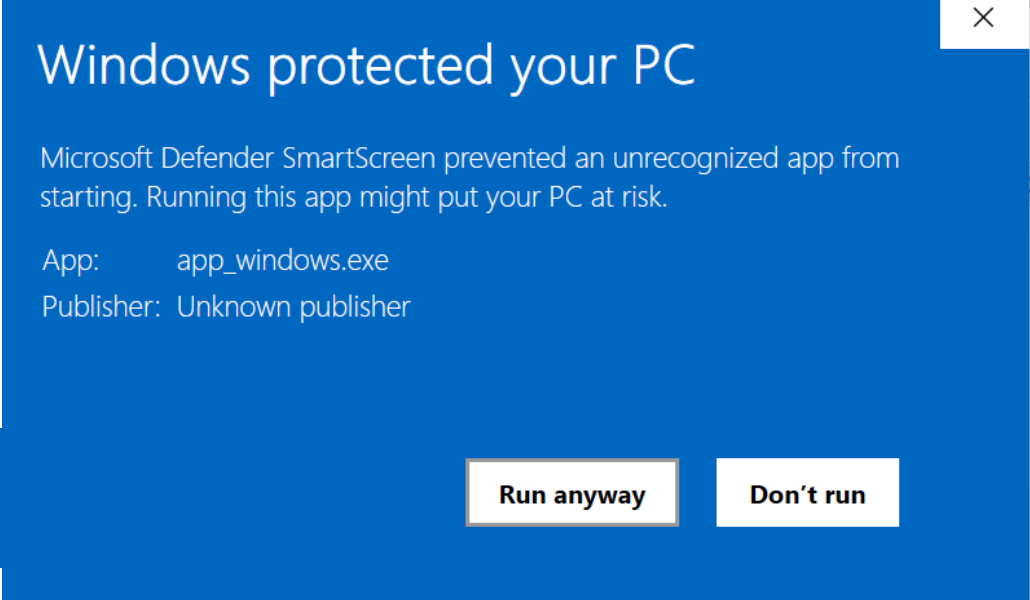
- If you see "Windows protected your PC" click "More
info", then "Run anyway"
- If your browser warns that the file isn't commonly downloaded, choose
Keep in the download menu
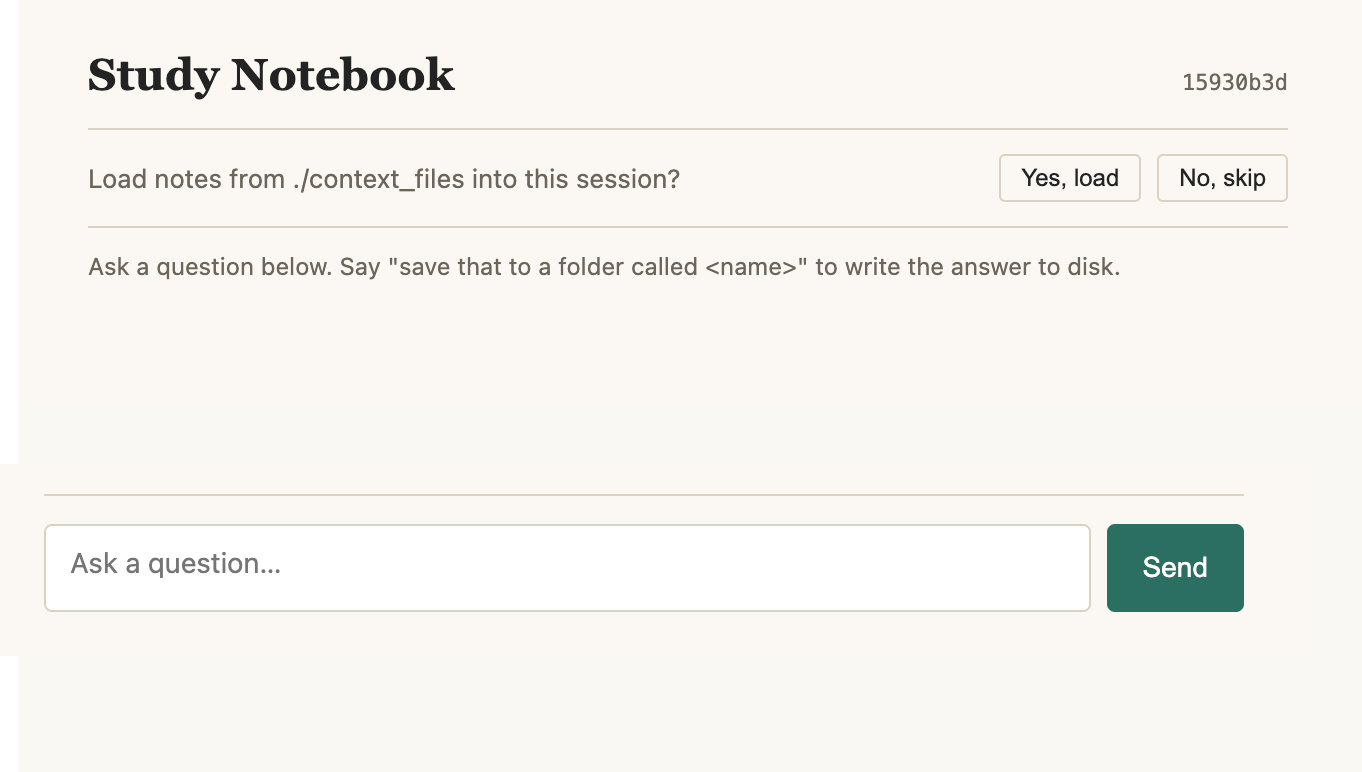
- Your browser should open to the app immediately
|
| Execute Application |
Click link below to open application in browser |
|
http://127.0.0.1:5500/index.html |